
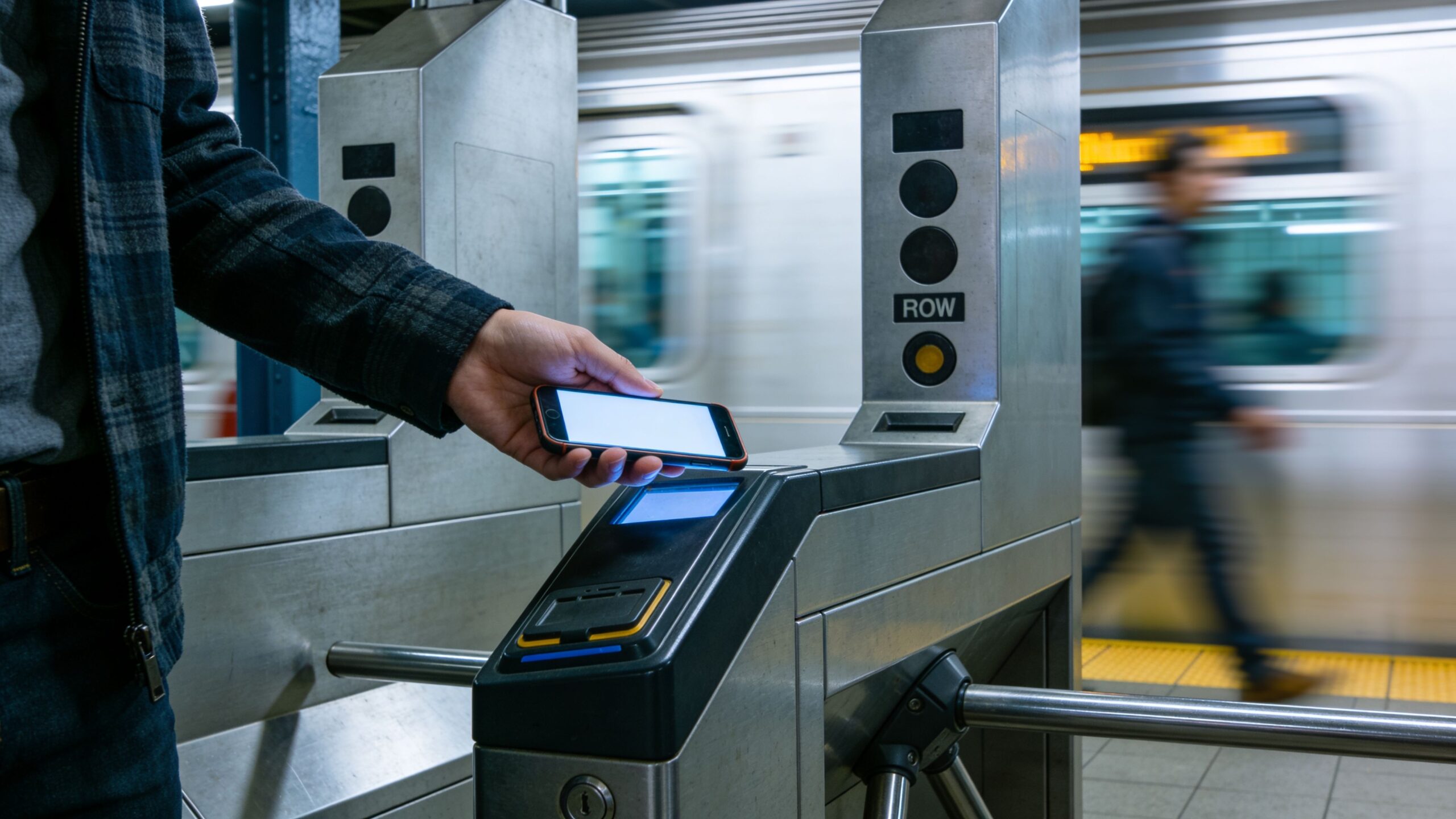
Digital wallets are the pocket-sized upgrade to how money moves in modern life. Instead of digging for a card, counting bills, or logging into a bank portal, a wallet on your phone can tap to pay, store passes, send money to friends, and keep your payment details tucked behind biometric locks. But “wallet” can mean a lot of things: a tap-to-pay card wallet, an app balance, a merchant wallet, or a gateway that securely connects to your bank and cards without exposing the full numbers. On this Banking Streets hub, you’ll explore how digital wallets work under the hood, what tokenization and contactless payments actually do, and how to choose the right setup for commuting, travel, online shopping, and everyday budgeting. We’ll break down safety features, common pitfalls, privacy settings, fees, and troubleshooting—like what happens when you lose your phone, switch devices, or a payment gets declined at the worst possible moment. If you want faster checkout, cleaner tracking, and smarter protection, this category is your map.
A: Often yes—tokenization and biometrics can reduce exposure, but account security still matters.
A: Use remote lock/wipe and contact your bank; tokens can usually be deactivated without canceling the card.
A: Common causes include locked phone, terminal settings, NFC disabled, or bank fraud checks.
A: Many wallets use a device token instead of your actual card number for transactions.
A: Sometimes for tap payments, but verification, updates, and some passes may need connectivity.
A: Usually no for basic payments, but some services, currency conversion, or instant features may add fees.
A: Often yes, but each device gets its own token and may require separate verification.
A: Refunds typically go back to the underlying card/account, but timing and labels can differ.
A: It’s convenient for quick spending, but keep larger sums in your bank for flexibility and protection.
A: Strong passcode + biometrics + remote wipe enabled + alerts for every transaction.